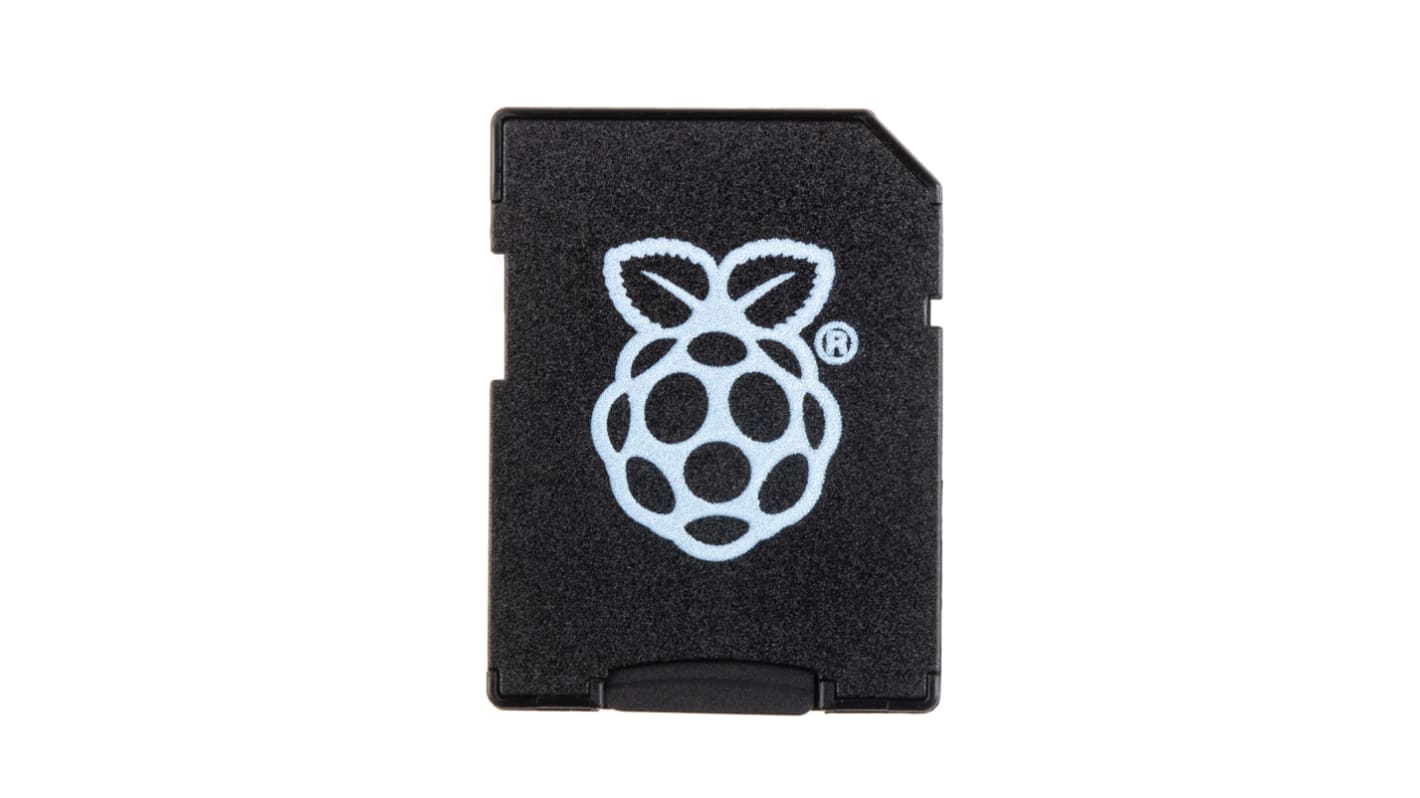
Sandisk Storage Card for Raspberry Pi, 16GB NOOBs
- N° de stock RS:
- 121-3897
- Référence fabricant:
- NOOBS_16GB_Retail
- Fabricant:
- Sandisk
Indisponible
RS n'aura plus ce produit en stock.
- N° de stock RS:
- 121-3897
- Référence fabricant:
- NOOBS_16GB_Retail
- Fabricant:
- Sandisk
Spécifications
Documentation technique
Législations et de normes
Détails du produit
Recherchez des produits similaires en sélectionnant un ou plusieurs attributs.
Sélectionner tout | Attribut | Valeur |
|---|---|---|
| Marque | Sandisk | |
| Capacity | 16GB | |
| Speed Class Rating | Class 10 | |
| Series | NOOBs | |
| Sélectionner tout | ||
|---|---|---|
Marque Sandisk | ||
Capacity 16GB | ||
Speed Class Rating Class 10 | ||
Series NOOBs | ||
Statut RoHS : Exempté
- Pays d'origine :
- NL
Raspberry Pi New Out Of Box Software (NOOBS) microSD Card and SD Card Adapter — Debian Jessie
The latest version of NOOBS has been upgraded to enhance performance and user experience, using the Debian Jessie version of the Raspbian operating system.
Available from RS:
121-3897 - 16 GB microSD Card and SD Card Adapter
136-0148 - 32 GB microSD Card and SD Card Adapter
As the Raspberry Pi was created to educate children about computing and programming, it was important to make it easy to set up. New Out Of Box Software (NOOBS) helps you set up your Pi and is available pre-installed on a microSD flash memory card, which also doubles up as an SD card adaptor. To get started, connect your Pi to a keyboard, mouse, power supply and screen and place the NOOBS card into the microSD card slot. Your next step is to install the operating system that you would like to use on your Pi.
Available from RS:
121-3897 - 16 GB microSD Card and SD Card Adapter
136-0148 - 32 GB microSD Card and SD Card Adapter
As the Raspberry Pi was created to educate children about computing and programming, it was important to make it easy to set up. New Out Of Box Software (NOOBS) helps you set up your Pi and is available pre-installed on a microSD flash memory card, which also doubles up as an SD card adaptor. To get started, connect your Pi to a keyboard, mouse, power supply and screen and place the NOOBS card into the microSD card slot. Your next step is to install the operating system that you would like to use on your Pi.
What operating systems can I install on NOOBS?
• Raspbian (recommended)
• Pidora
• OpenElec
• RaspBMC
• RISC OS
• Arch Linux
• Pidora
• OpenElec
• RaspBMC
• RISC OS
• Arch Linux
Raspberry Pi Operating System (OS) and Pre-Loaded SD Cards
Liens connexes
- Raspberry Pi Storage Card for Raspberry Pi, 32GB NOOBs
- Transcend Storage Card for Raspberry Pi, 32GB NOOBs
- Okdo Storage Card for Raspberry Pi, 32GB
- Raspberry Pi 5 16GB
- Raspberry Pi 3 B+ with Black Case & NOOBs
- Okdo Raspberry Pi SD Card Reader
- Sandisk 8 GB Micro SD Card
- Raspberry Pi Plastic Case for use with Raspberry Pi 2B Raspberry Pi 3B+
