ABB ACS550 Tool
- N° de stock RS:
- 511-0461
- Numéro d'article Distrelec:
- 304-22-335
- Référence fabricant:
- DRIVEWINDOW LIGHT 2
- Fabricant:
- ABB
Actuellement indisponible
Nous ne savons pas si cet article sera de nouveau disponible. RS a l'intention de le retirer de son assortiment sous peu.
- N° de stock RS:
- 511-0461
- Numéro d'article Distrelec:
- 304-22-335
- Référence fabricant:
- DRIVEWINDOW LIGHT 2
- Fabricant:
- ABB
Spécifications
Documentation technique
Législations et de normes
Détails du produit
Recherchez des produits similaires en sélectionnant un ou plusieurs attributs.
Sélectionner tout | Attribut | Valeur |
|---|---|---|
| Marque | ABB | |
| Accessory Type | Tool | |
| Product Type | Inverter Drive Accessory | |
| For Use With | ACS350 Series | |
| Series | ACS550 | |
| Standards/Approvals | CE, cUL, UL | |
| Sélectionner tout | ||
|---|---|---|
Marque ABB | ||
Accessory Type Tool | ||
Product Type Inverter Drive Accessory | ||
For Use With ACS350 Series | ||
Series ACS550 | ||
Standards/Approvals CE, cUL, UL | ||
Statut RoHS : Exempté
- Pays d'origine :
- DE
ABB Accessory, Configuration Software, 4 Supported Operating Systems - ACS350 Series - DRIVEWINDOW LIGHT 2
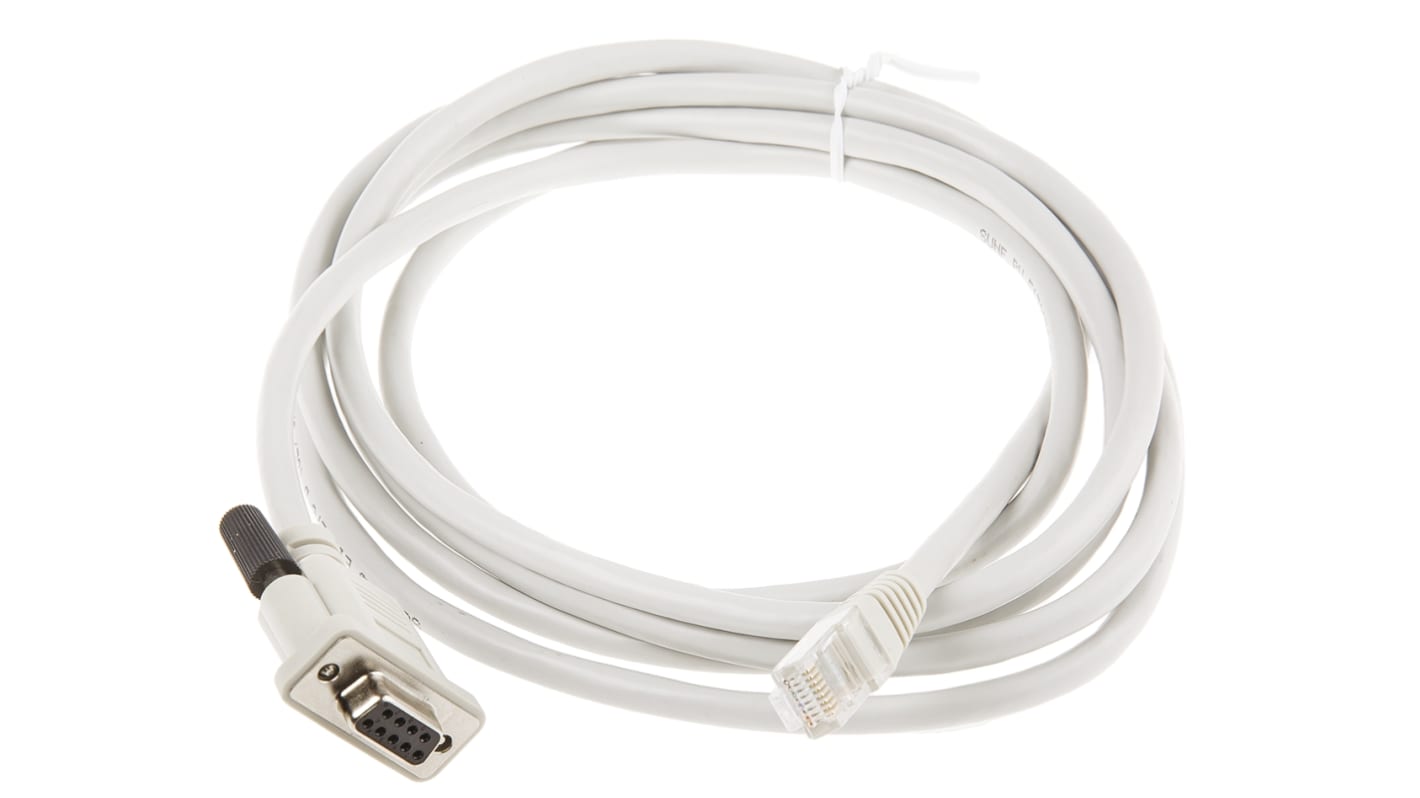
Get a handle on your motor's drive with the help of this configuration software from ABB. It's a DVD-ROM containing the Drive Window Light 2 software. You also get a serial cable for easy connection to your device. This handy package lets you configure, monitor and troubleshoot the operating parameters of your motor so it runs smoothly. It's intended for use with drives from the ACS350 range. Thanks to the accessory's integrated I/O mapping table, you get insight into the drives input and output setup, letting you fine-tune it for optimal performance.
Features & Benefits
• Supports online and offline operation for user flexibility
• Graphical interface enables convenient status monitoring
• Integrated backup lets you quickly restore parameters after downtime
Applications
• HVAC equipment
• Conveyor belts
• Oil and gas industry
How do I connect the serial cable to my control system?
You can connect the cable by plugging it into the serial port of your PC. If your computer doesn't have a serial port, use a serial-to-USB adapter.
What operating systems are compatible with this software?
This software works with Windows 7, Vista, XP and 2000, so it's compatible with commonly used systems.